TeamViewer
Established remote access, control and support delivered as a managed cloud service.
paid · trial desktop download
What it is
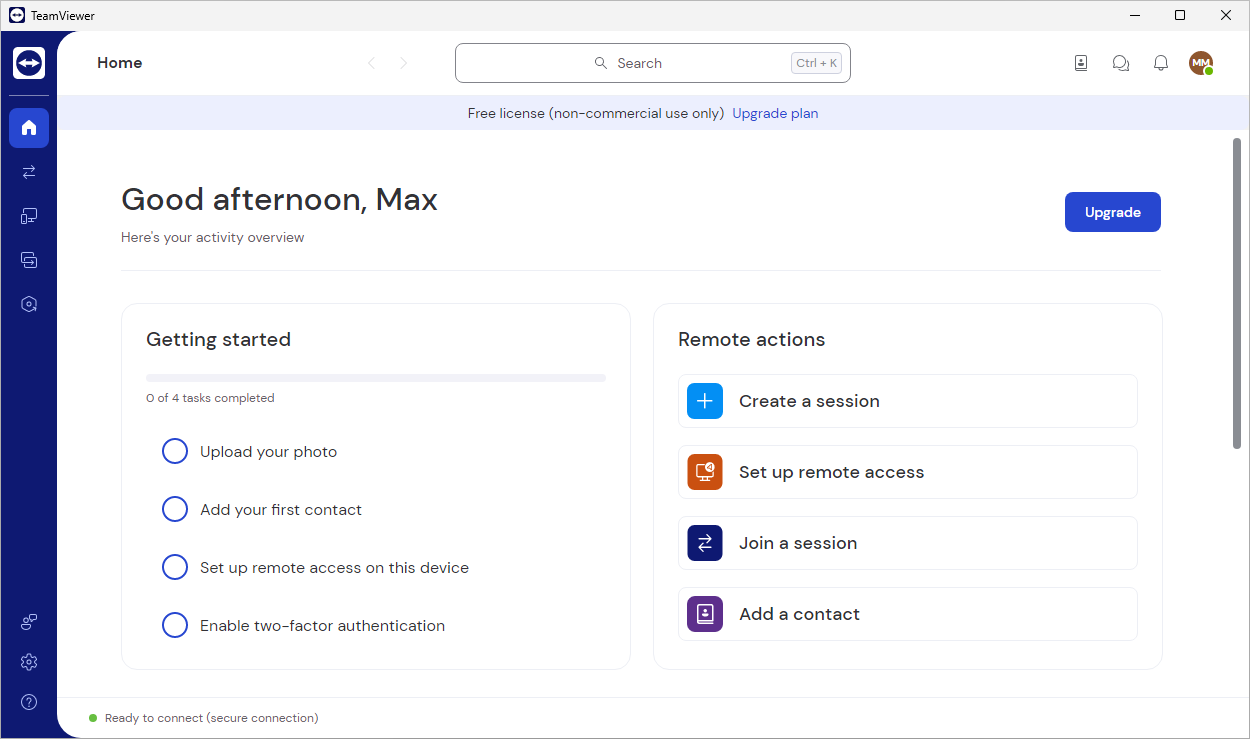
TeamViewer is a widely deployed proprietary platform for remote access, control and technical support. For an administrator it offers connections to workstations and servers (including unattended access), file transfer, monitoring, a single device registry, access roles and session logging.
Problems it solves
- Support staff need to reach any user device quickly, even across NAT and firewalls.
- You want a single device registry with roles and an audit trail of who connected where.
- Occasional support of non-technical users who cannot set up a VPN.
How administrators use it
- Deploy the Host client to servers and kiosks for always-on unattended access.
- Use the management console to group devices and assign connection permissions by role.
- Start ad-hoc support sessions from a short ID and keep logs for compliance.
Strengths & trade-offs
Strengths
- Reliable connectivity through almost any network.
- Mature management console, roles and auditing.
- Broad platform and mobile coverage.
Trade-offs
- Commercial licensing is comparatively expensive.
- Sessions traverse the vendor cloud by default.
- Free personal tier is often flagged on business networks.
Questions
Can I use TeamViewer free at work?
The free tier is for personal use only; business use requires a commercial licence, and connections are regularly detected as commercial.
Head to head
Alternatives
AnyDesk
Low-latency remote desktop built around the DeskRT codec.
paid · trial desktop download
RustDesk Open-source remote desktop you can host entirely on your own infrastructure.
open source desktop download
Splashtop Remote access and support focused on high-performance, high-resolution sessions.
paid · trial desktop download